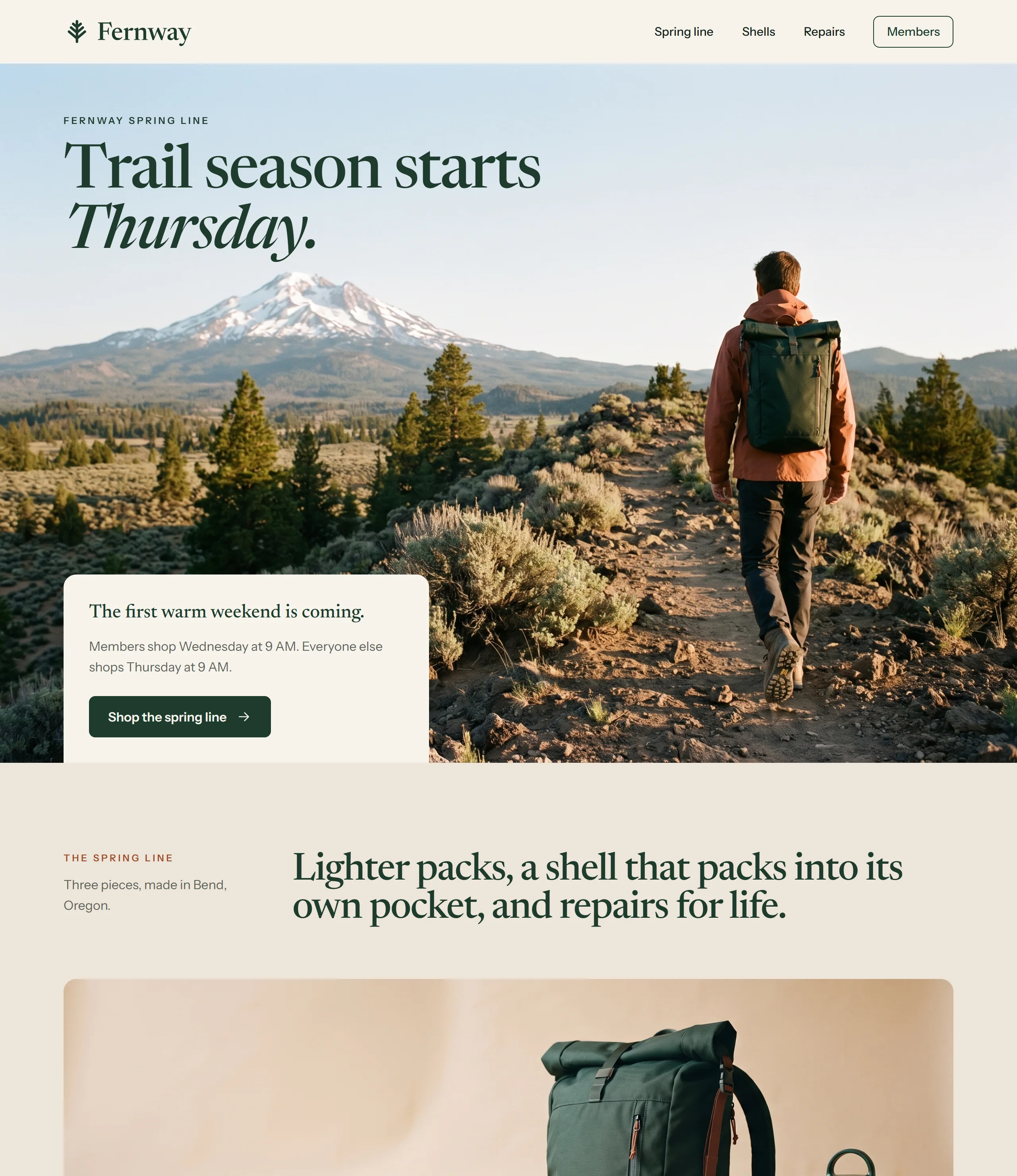
Cut by transcript
Delete a word and the cut follows. Fix a misheard name once.
Upload footage, cut it from the transcript, add shots, voiceover and music, and render a draft or a final.
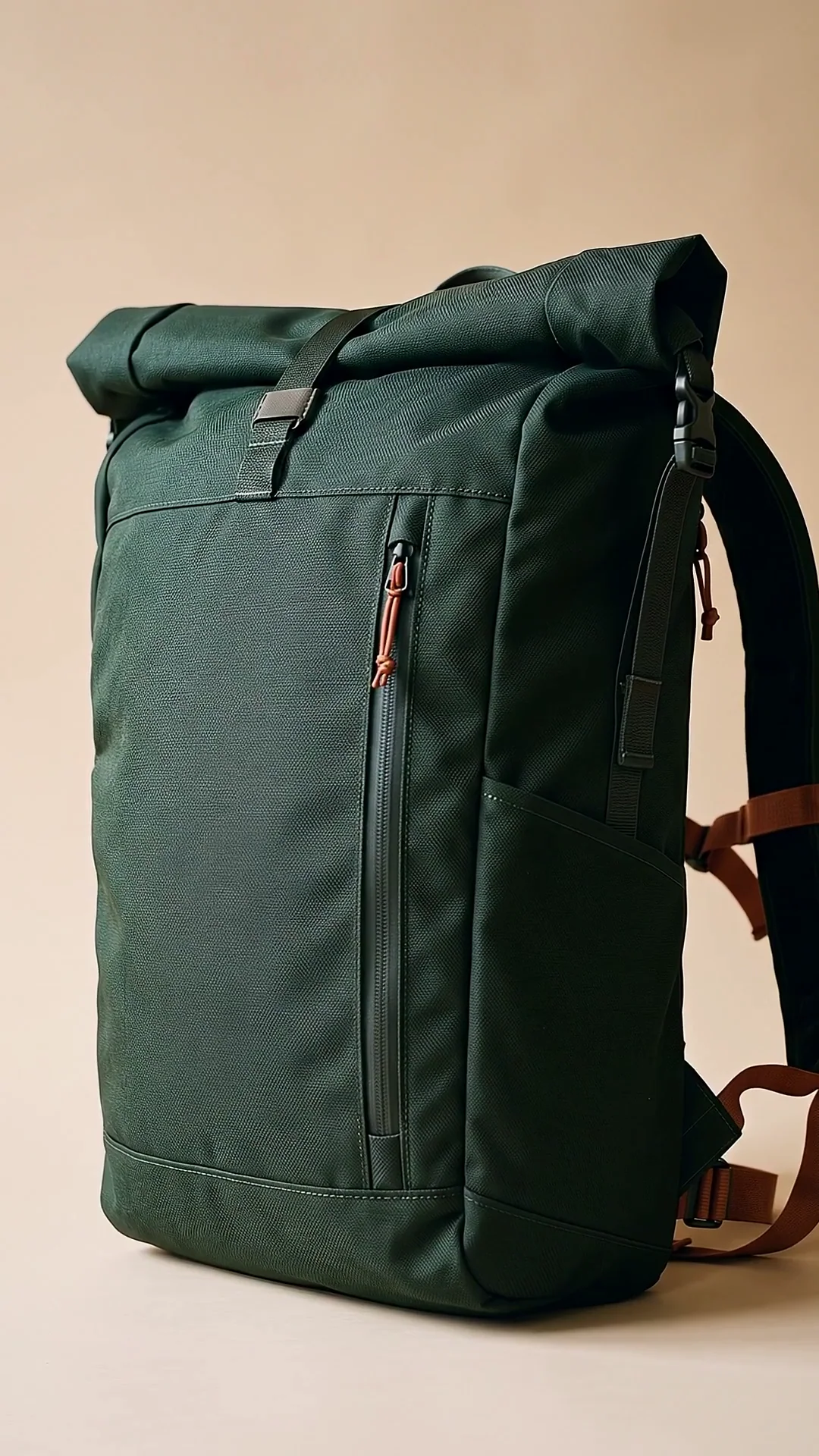
Transcript: delete a word and the cut follows
Trail season um, starts Thursday. So, uh, lighter packs, a shell that packs into its own pocket, and, like, repairs for life.
Delete a word and the cut follows. Fix a misheard name once.
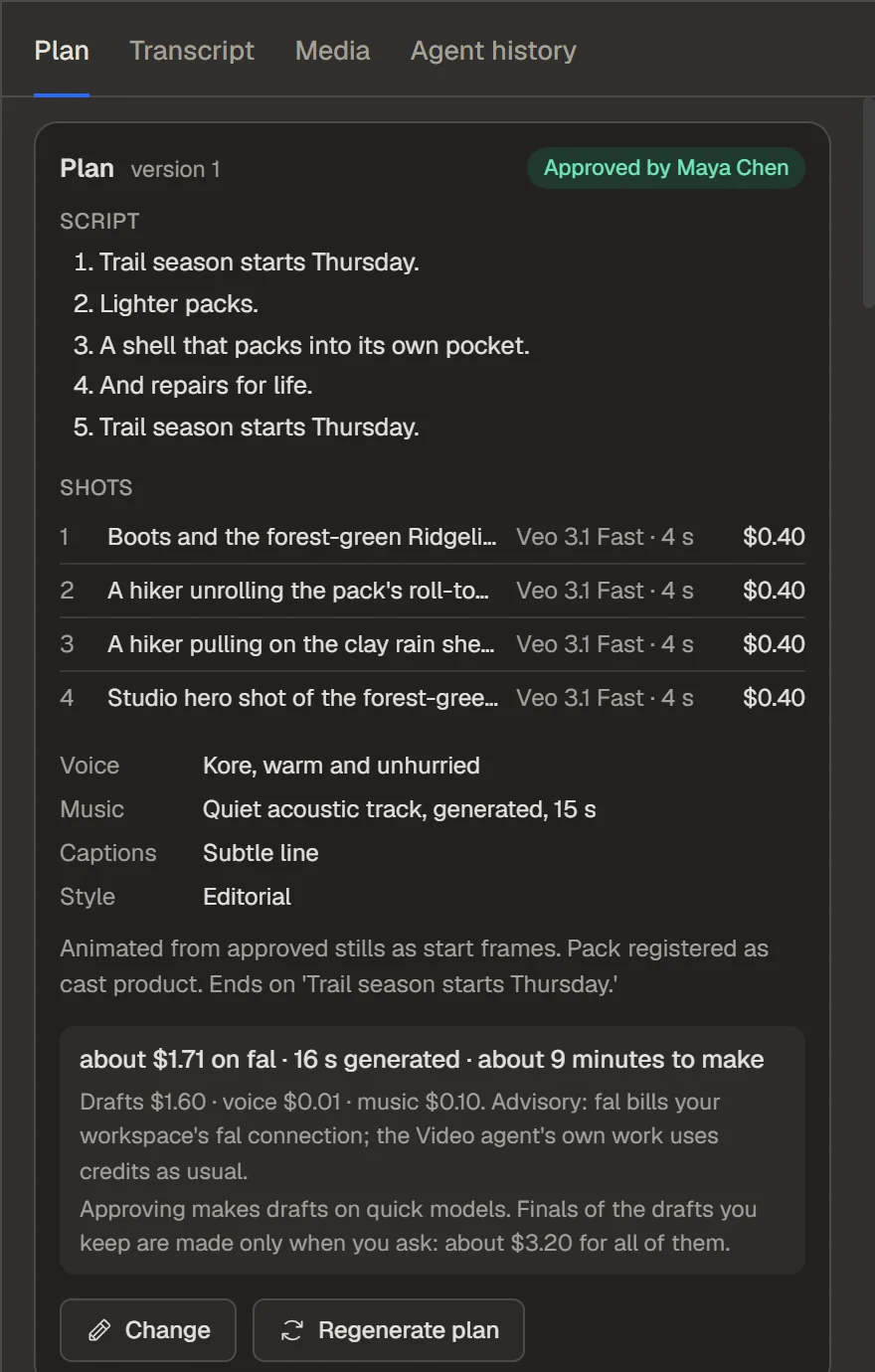
A brief and a shot plan, with the cost of generated shots shown first.
Voiceover, and music that dips under speech.
Six tracks: main, B-roll, voiceover, music, text and captions
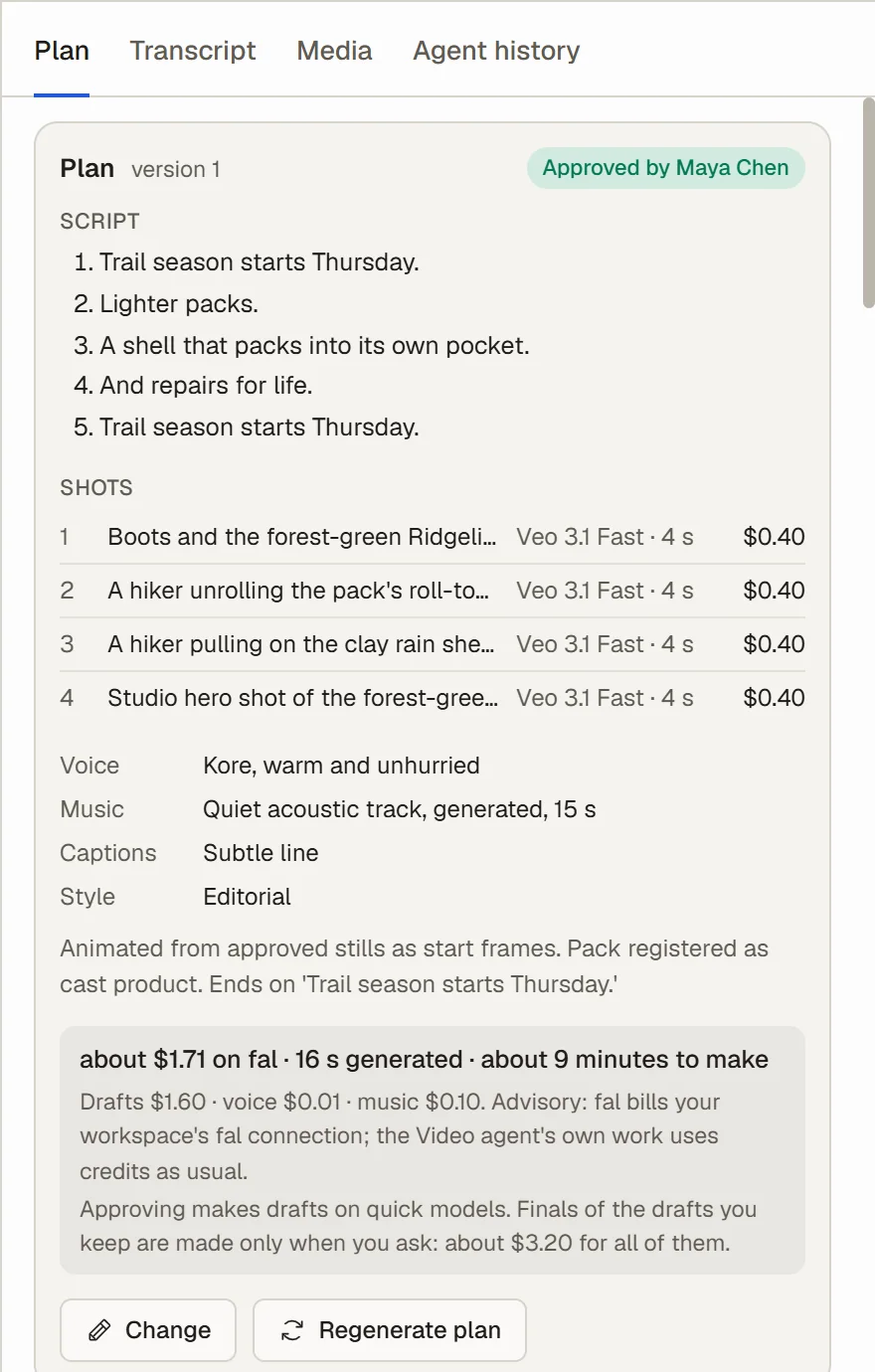
Generated shots use these pictures, so they look the same throughout.
Connect an app once, and the agents you choose can use it. Any MCP server works too.
All 90+ apps Google Drive
 fal.ai
 Pexels
 Pixabay
 Wikimedia Commons
 Internet Archive
Cuts filler and retakes, adds captions and music that dips under speech.
VideoPlan, approve the cost, then generate shots with the same product throughout.
VideoFinds open-license and stock footage the project allows, with the credits to list.
Something else? Write to growth@agency-ai.app
Video and audio files up to 50 GB each.
You choose per project which licenses its footage may use, and only clips under those licenses are added. Every clip goes on a credits list for the description.
Give the project pictures of them. Generated shots use those pictures, so the same person or product appears throughout.
Yes. The plan shows the cost of the generated shots first, and you approve it before they run.
Tell us where your team wants help first. A person reads every request and replies from growth@agency-ai.app.