Set up in minutes
Instructions in plain words, tools from 90+ apps and any MCP server, notebooks, skills and kits.
Give an agent instructions, tools, notebooks and skills. It works through big jobs, hands parts to other agents, and remembers how you like things done.
Get Fernway's Monday report out, and have the writer do the summary.
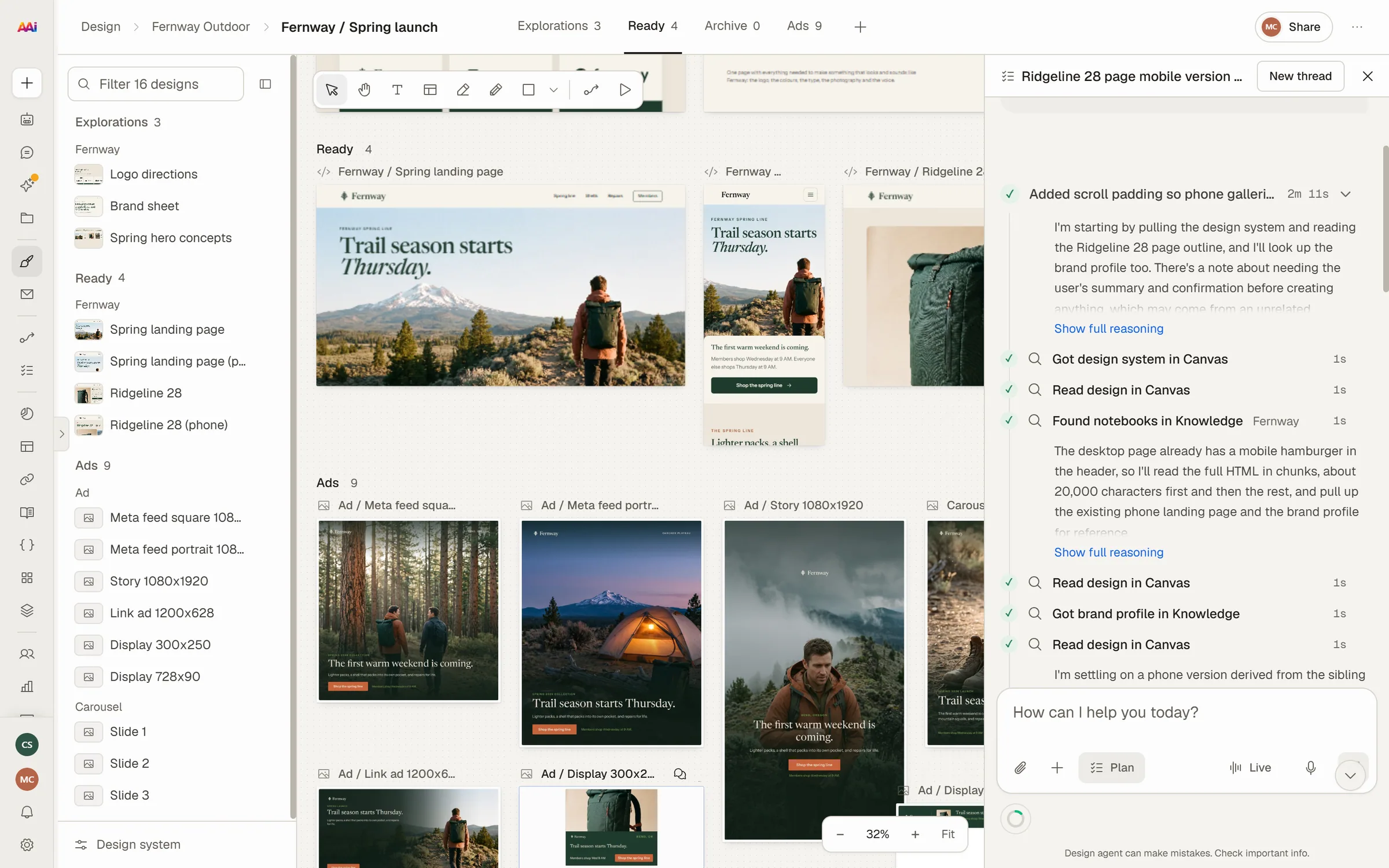
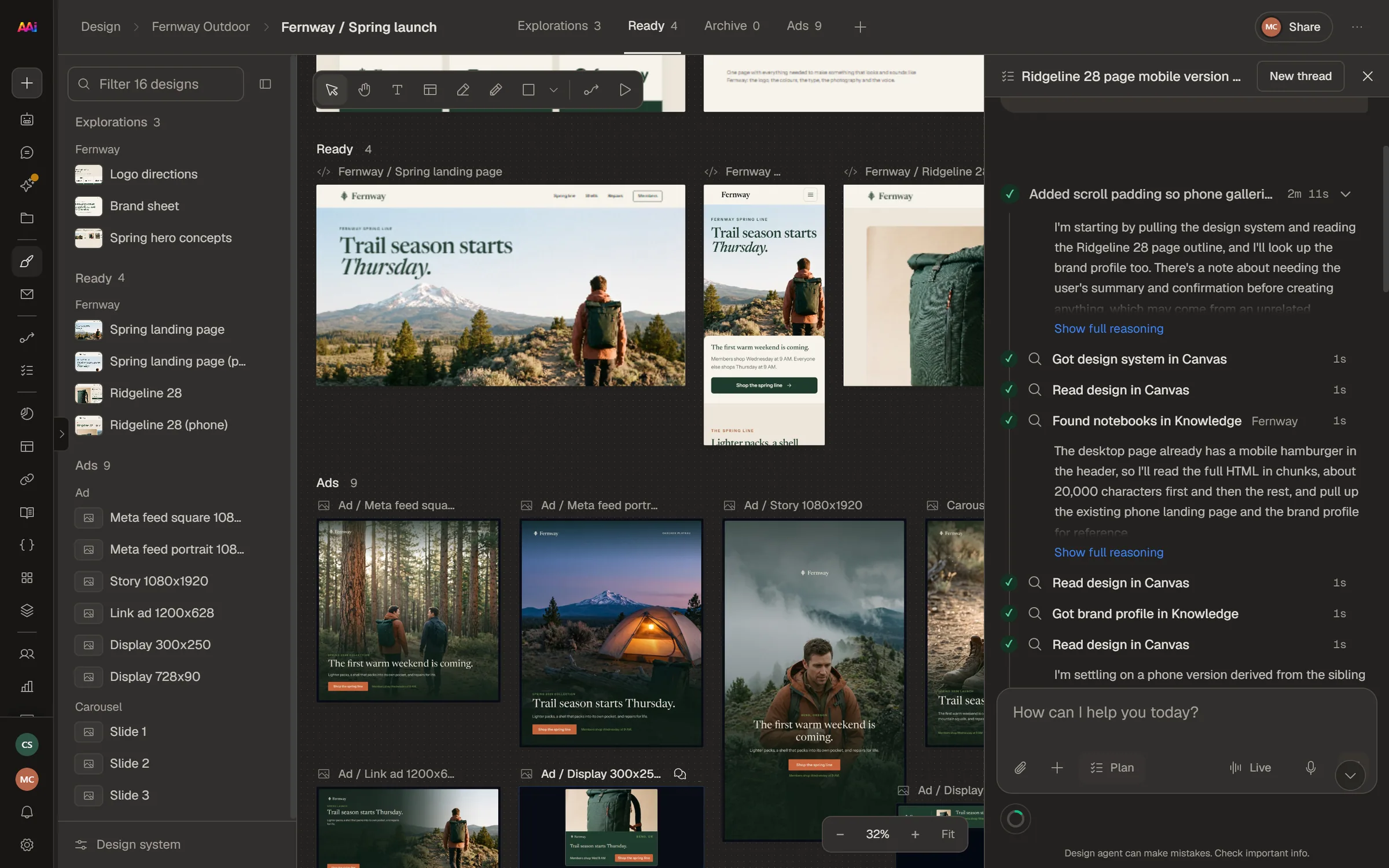
Instructions in plain words, tools from 90+ apps and any MCP server, notebooks, skills and kits.
One agent briefs another, in the foreground or in the background. Stop stops the whole chain.
Auto picks a model for each message. Pin one when you want to, or run the agent on your own key.
Stopped at a loop. Five reports are done; Kettle & Crumb's Meta numbers are left. Reconnect Meta and ask me to finish.
Or pin a model, or use your own key
@Fernway reporting can you post last week's numbers here?
Posted. Spend held steady, Meta brought most new customers, and the spring page converts best. The full dashboard is in the thread.
Example workspace
Connect an app once, and the agents you choose can use it. Any MCP server works too.
All 90+ apps Slack
 Gmail
 HubSpot
 Notion
 Google Drive
 Google Sheets
 Google Ads
 Meta
 Google Analytics
 OpenAI
 Anthropic Claude
 Gemini
One agent with the brand’s kit, notebook and connected accounts, so anyone on the team can ask it about the brand or start work with it.
New businessFinds the case studies and results that match the prospect in your notebooks and builds the deck.
BrandWriters, designers and freelancers ask; the agent answers from the brand’s notebook and says where it found it.
Something else? Write to growth@agency-ai.app
Models from OpenAI, Anthropic, Google and others. On Auto, each message goes to a fast, standard or strong model; you can also pin one model for an agent.
Yes. Any agent can run on your own model key instead of credits.
There is no step limit. A run ends when the job is done, when the agent repeats itself, when credits run out, or at a bug ceiling. Each time, it tells you where it stopped and what is left.
Yes. An agent can brief another agent in the foreground or in the background, and Stop stops the whole chain.
Tell us where your team wants help first. A person reads every request and replies from growth@agency-ai.app.