
In
MCP servers in your agents
Connect any MCP server alongside the 90+ built-in apps, and agents use it like any other tool.
Build pages, emails, video and reports with agents that start from each brand’s kit, knowledge and accounts, on any model and in your own tools. Your team leads, and nothing goes out until one of you says it's done.
90+ apps built in, and any MCP server for the rest.




























Good work comes from knowing the brand, its history and its numbers. Bring them together once, for each client or brand, and every agent you build starts from them.
Brand
Logo, colours, fonts, components and voice, with a guide of do and don’t rules. Scanned from the site or brought in from Figma.
Knowledge
Briefs, past campaigns, research and results in notebooks kept in sync with Drive, Notion or a website, and memory you can read and fix.
Tools
The accounts the work lives in: ad platforms, analytics, Figma, Webflow, your CMS, email and Slack. 90+ apps, and any MCP server.
Team
A folder per client or brand, with who can use and edit it, a review link for the client, and a person who approves what goes out.
Every agent in the folder starts from the same brand, the same knowledge and the same accounts. The page sounds like the brand, the numbers are the real ones, and your team edits instead of rewriting.
Boards for design, email and video, each with its own chat, and Scout, workflows and dashboards beside them. They share each folder’s brand kit, notebooks and accounts, so a job moves from brief to page to email without starting over. Your team decides what goes out.
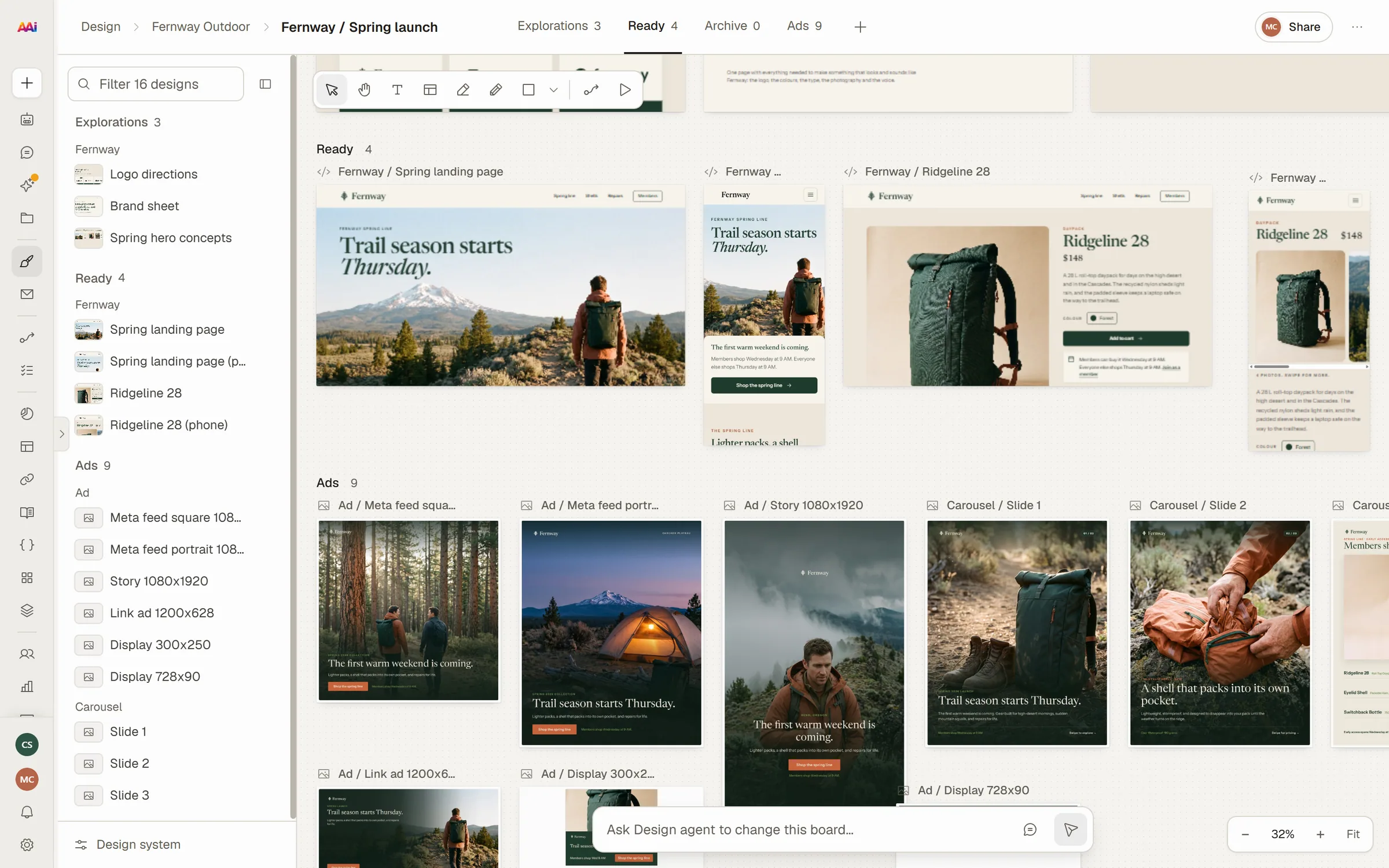
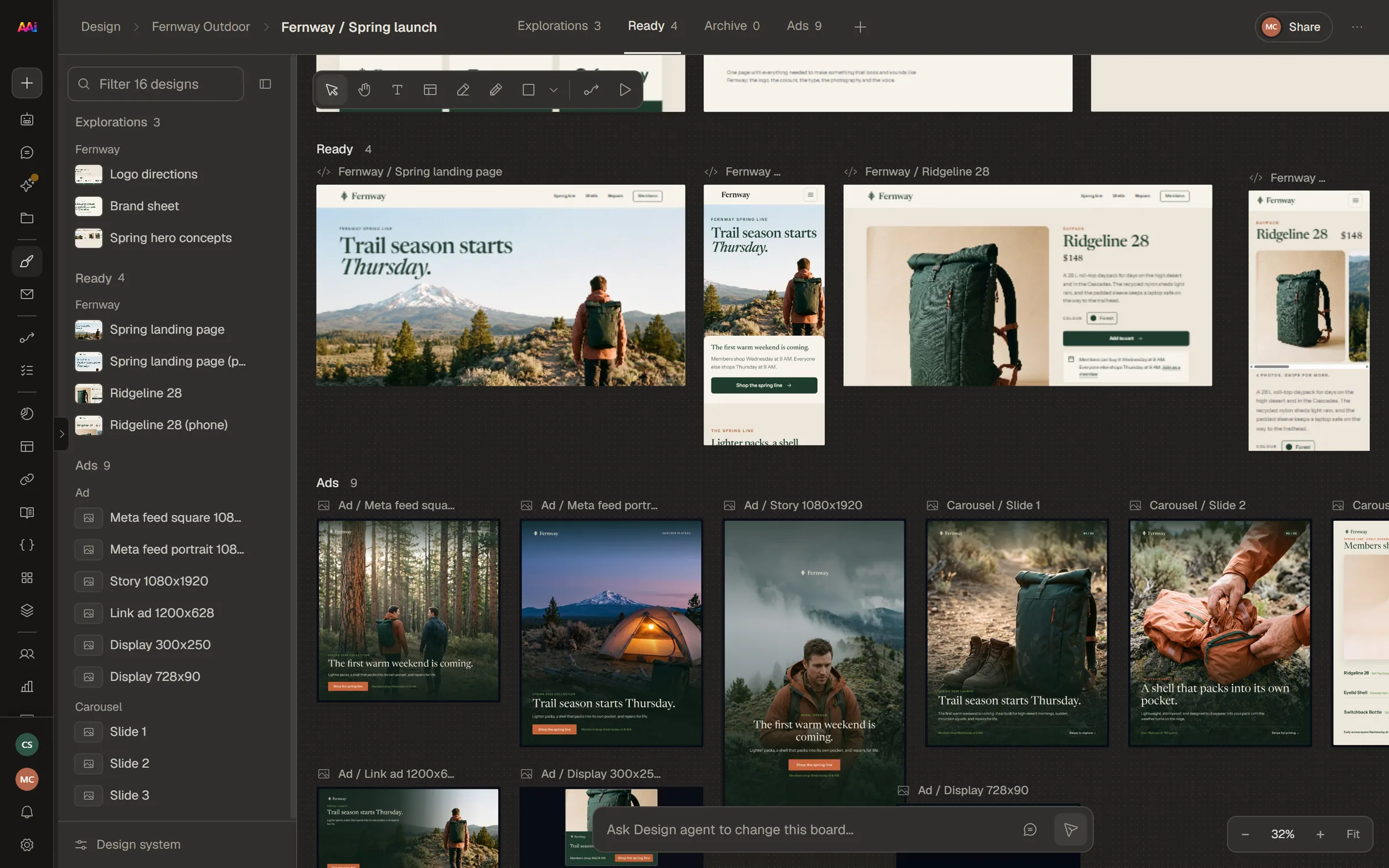
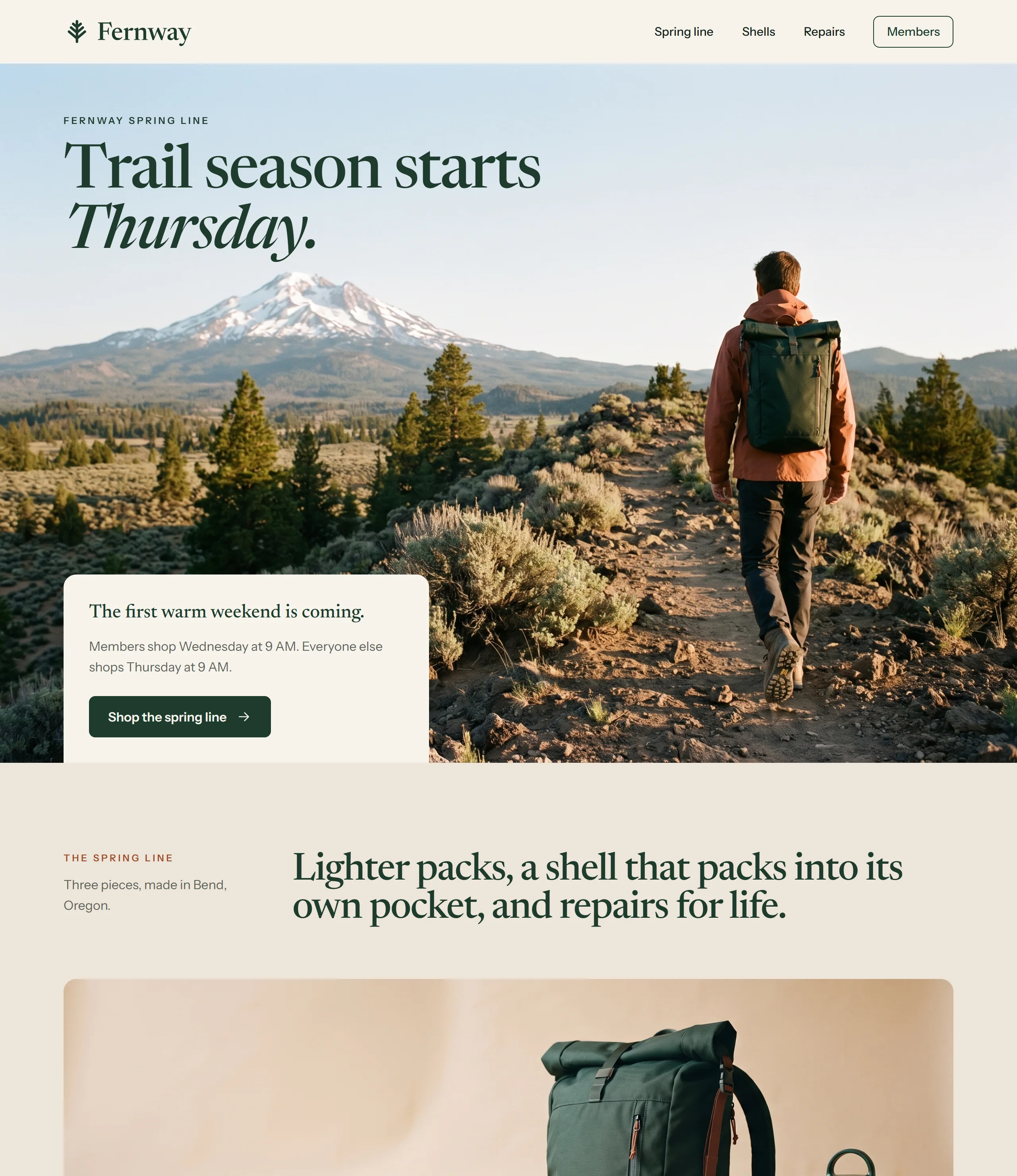
Pages built on your client's design system, from a brief, a live site or a Figma file.
The Design studio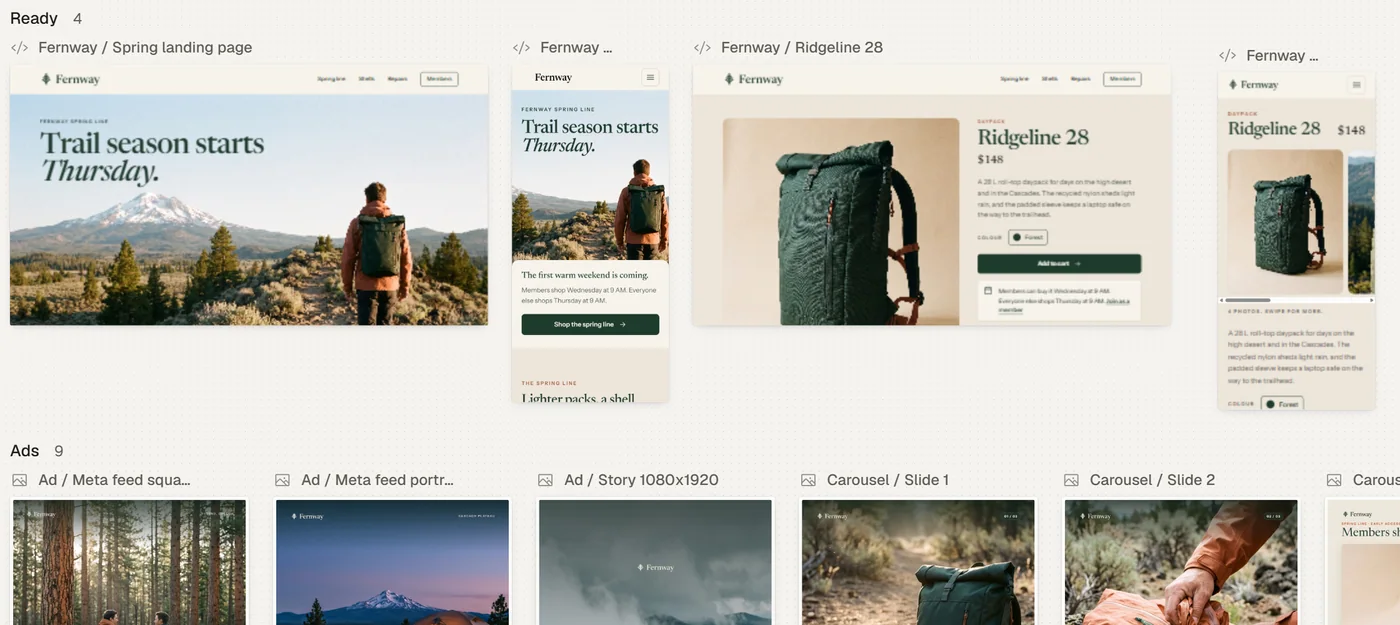
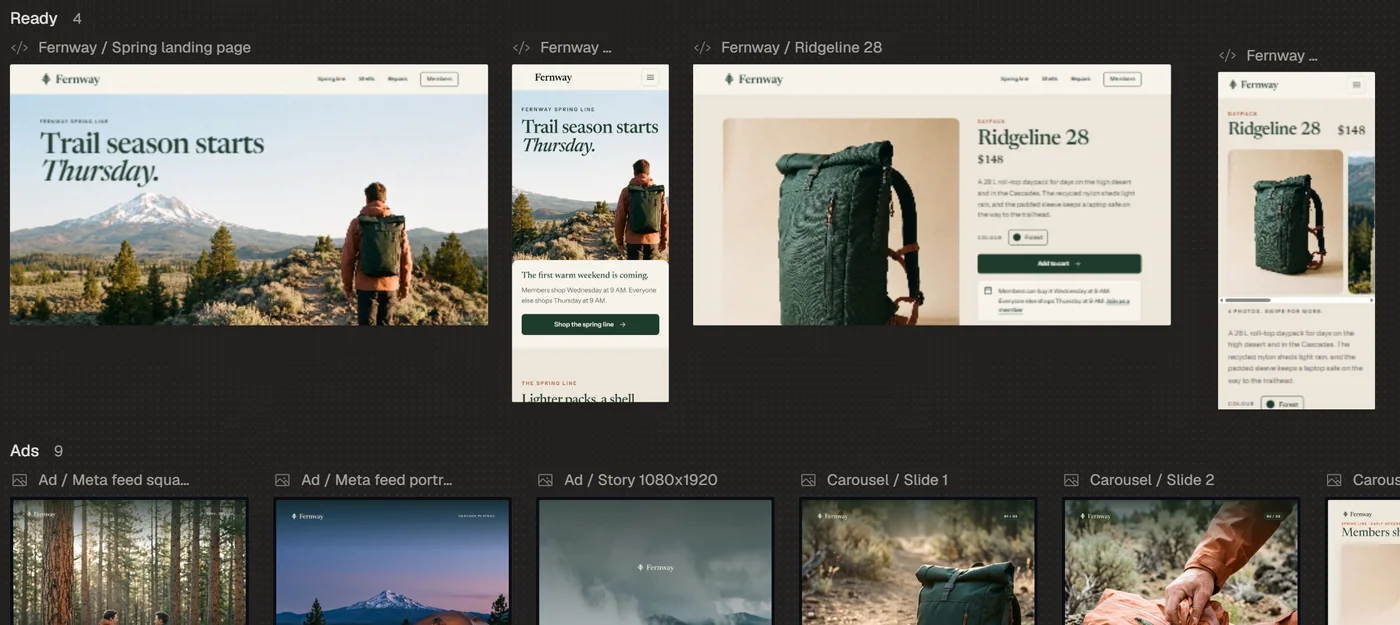
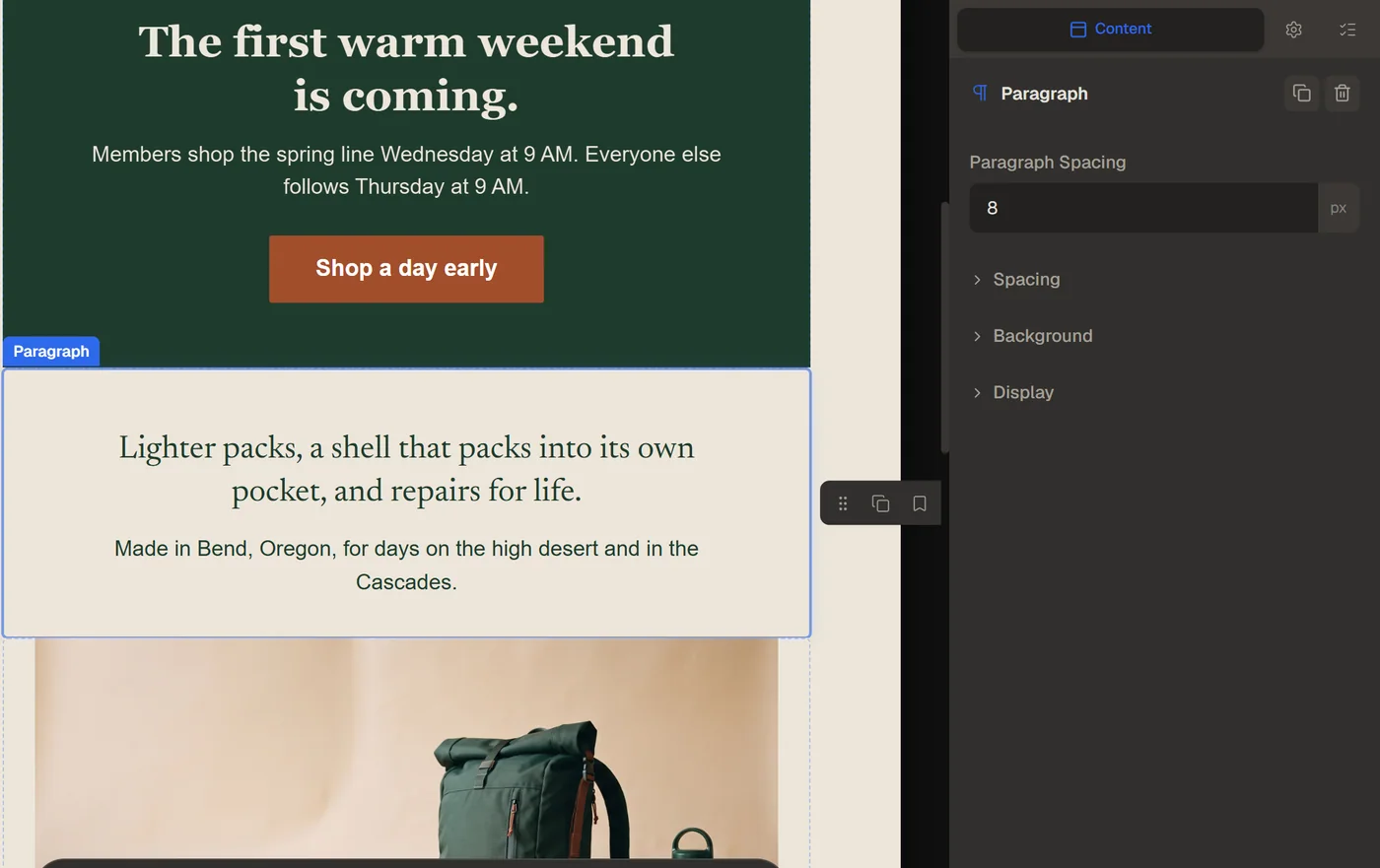
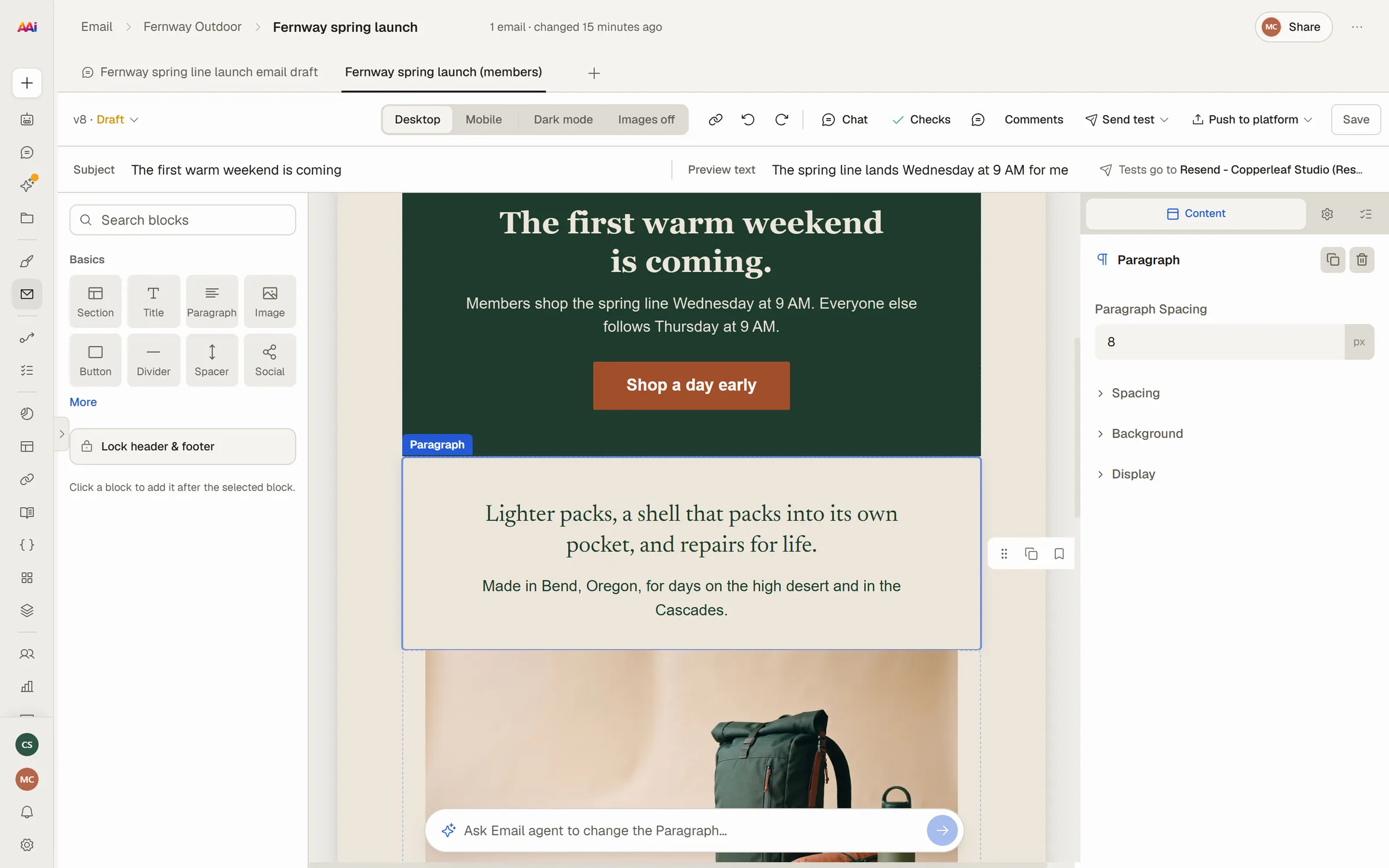
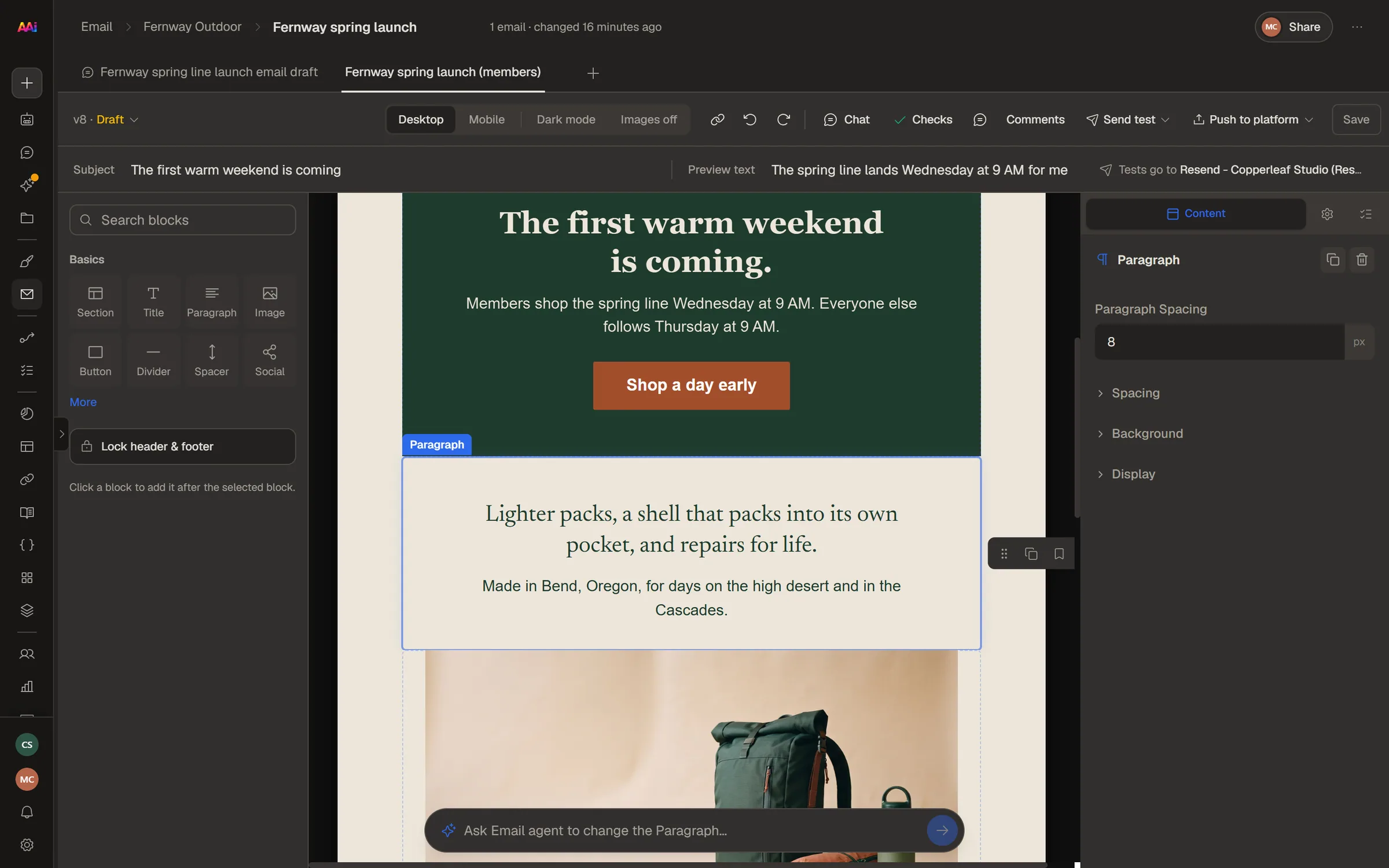
Emails built from your kit and checked in each inbox before anyone sees them.
The Email studio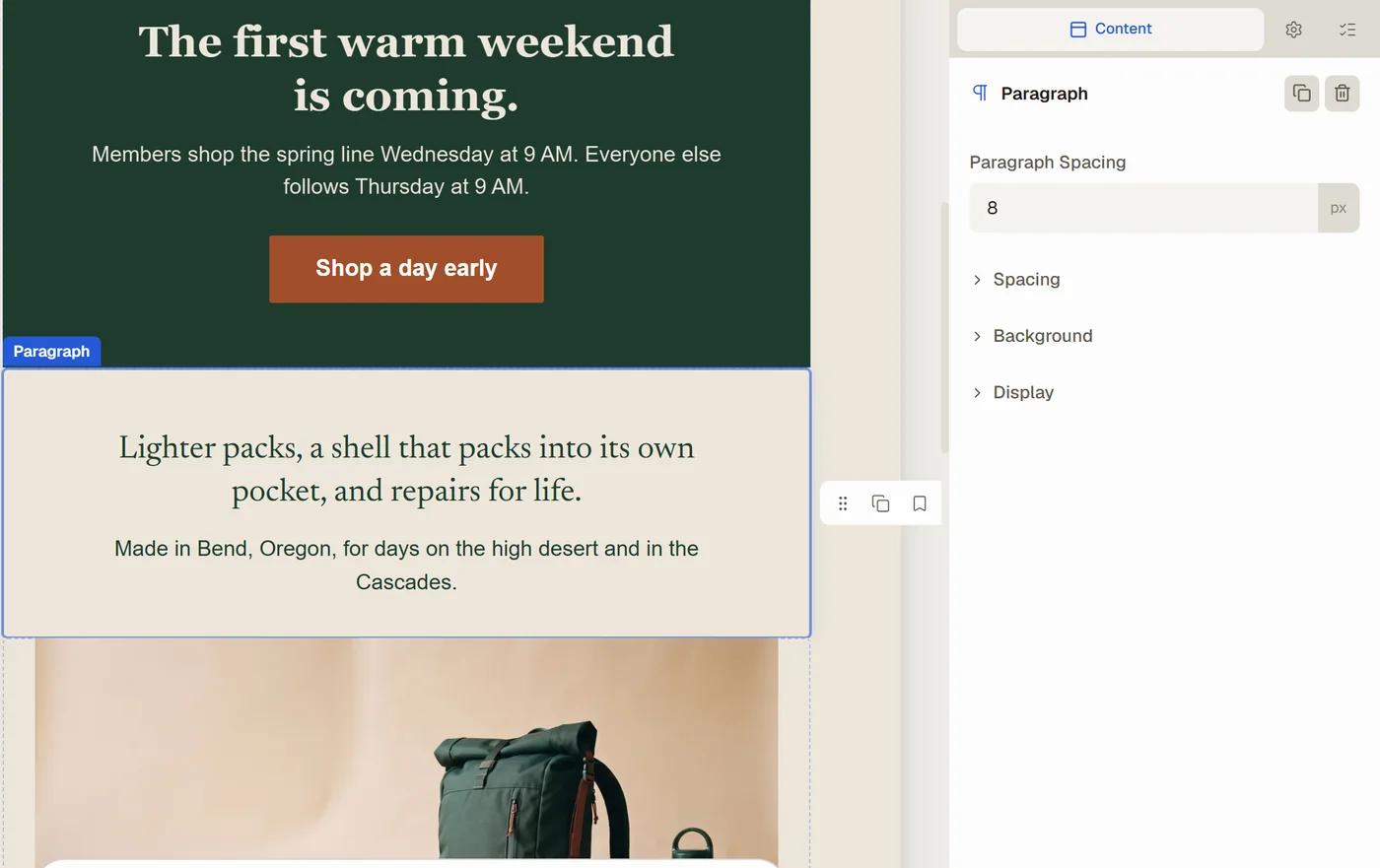
Video cut from the transcript, with captions, voiceover and music that dips under speech.
The Video studio
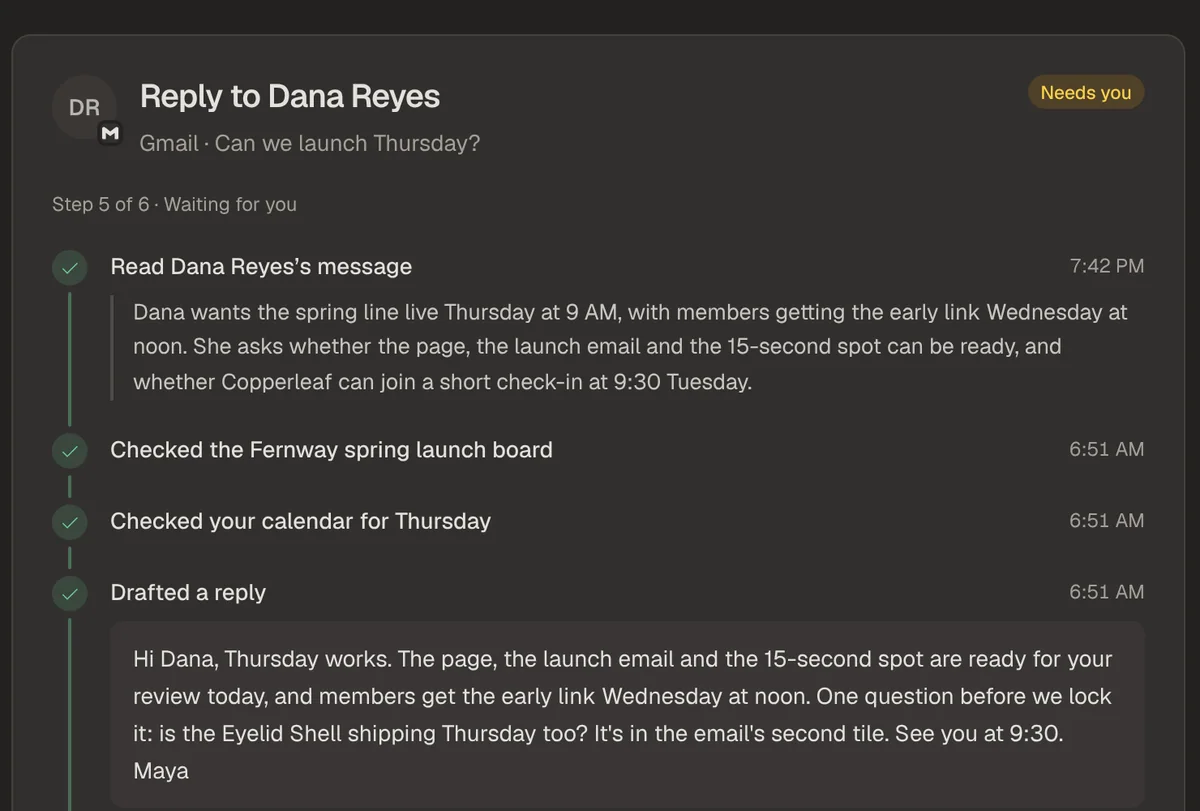
Reads your inbox, Slack and meetings, drafts the replies and asks before it sends.
Meet Scout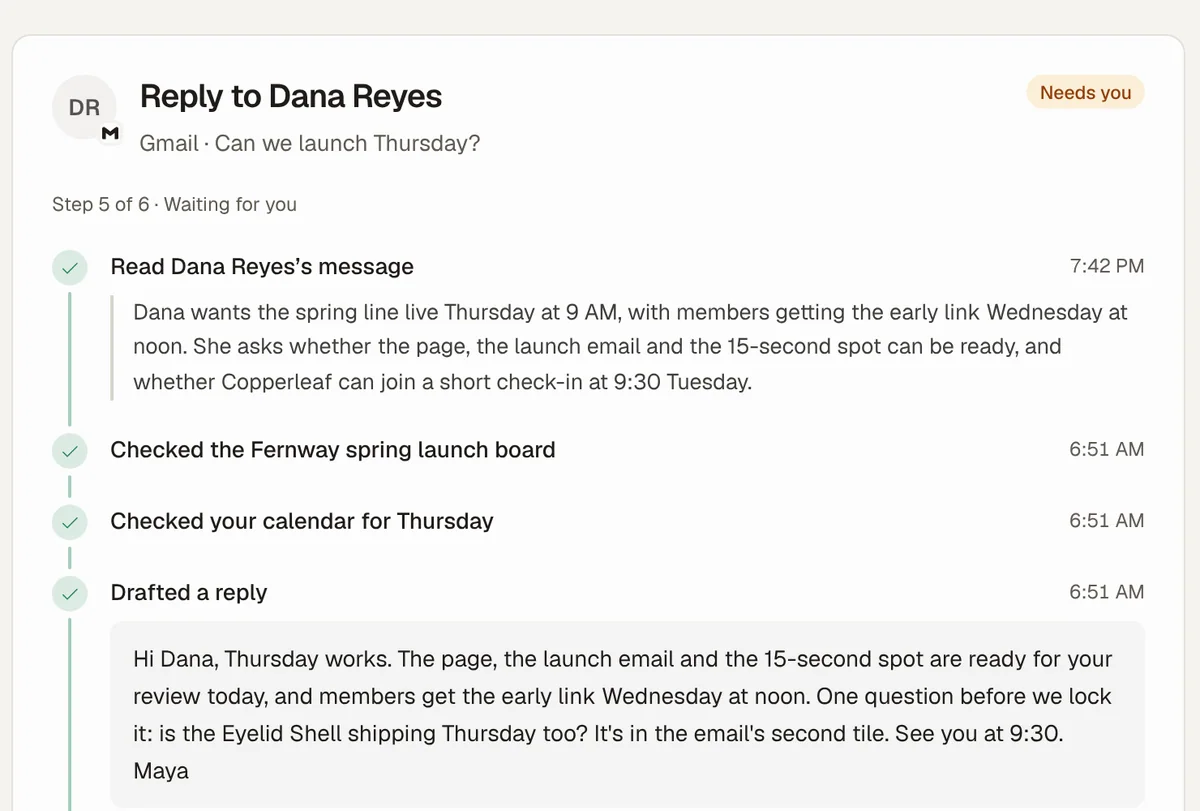
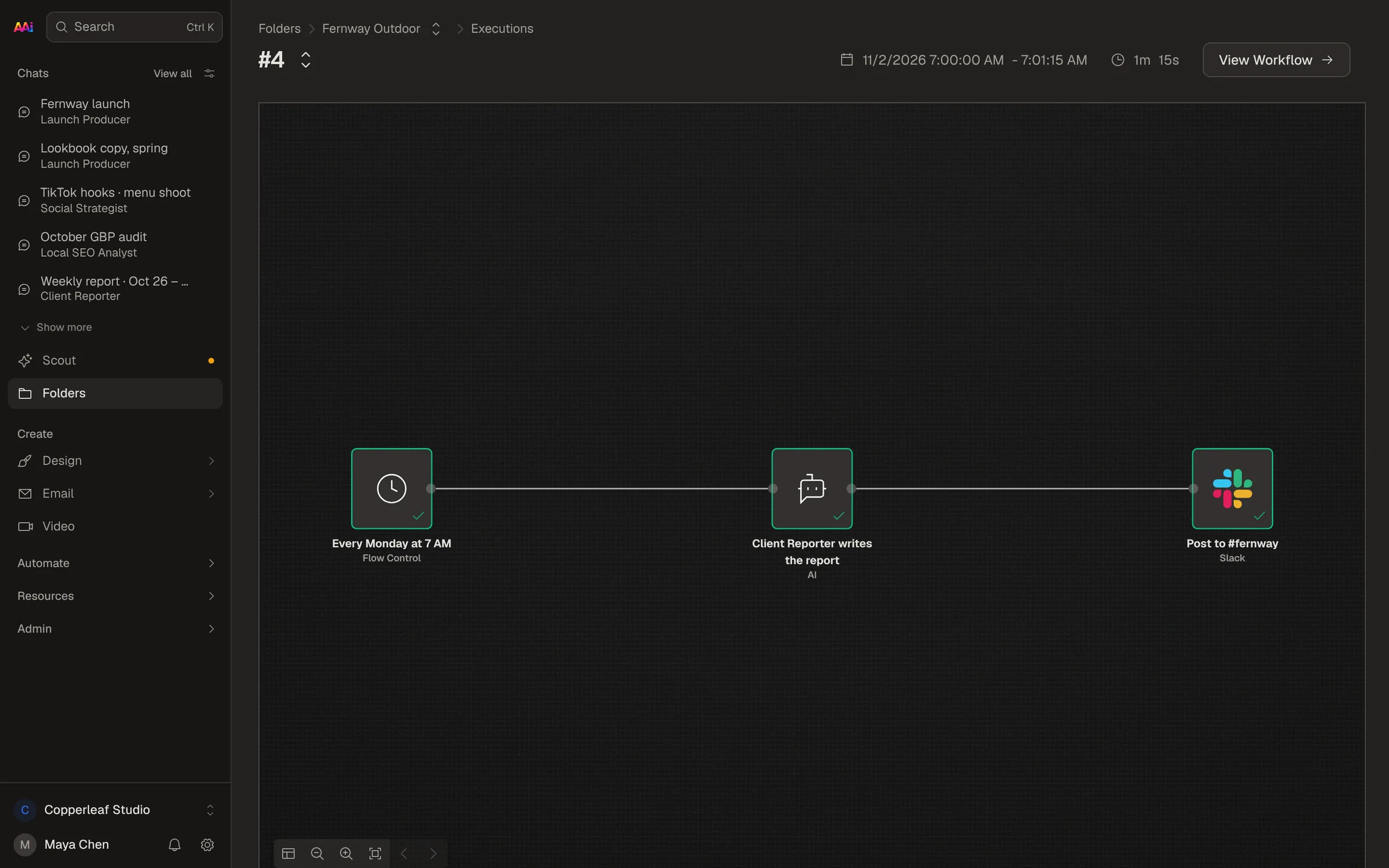
Runs the work that repeats, on a schedule or the moment something happens.
Automation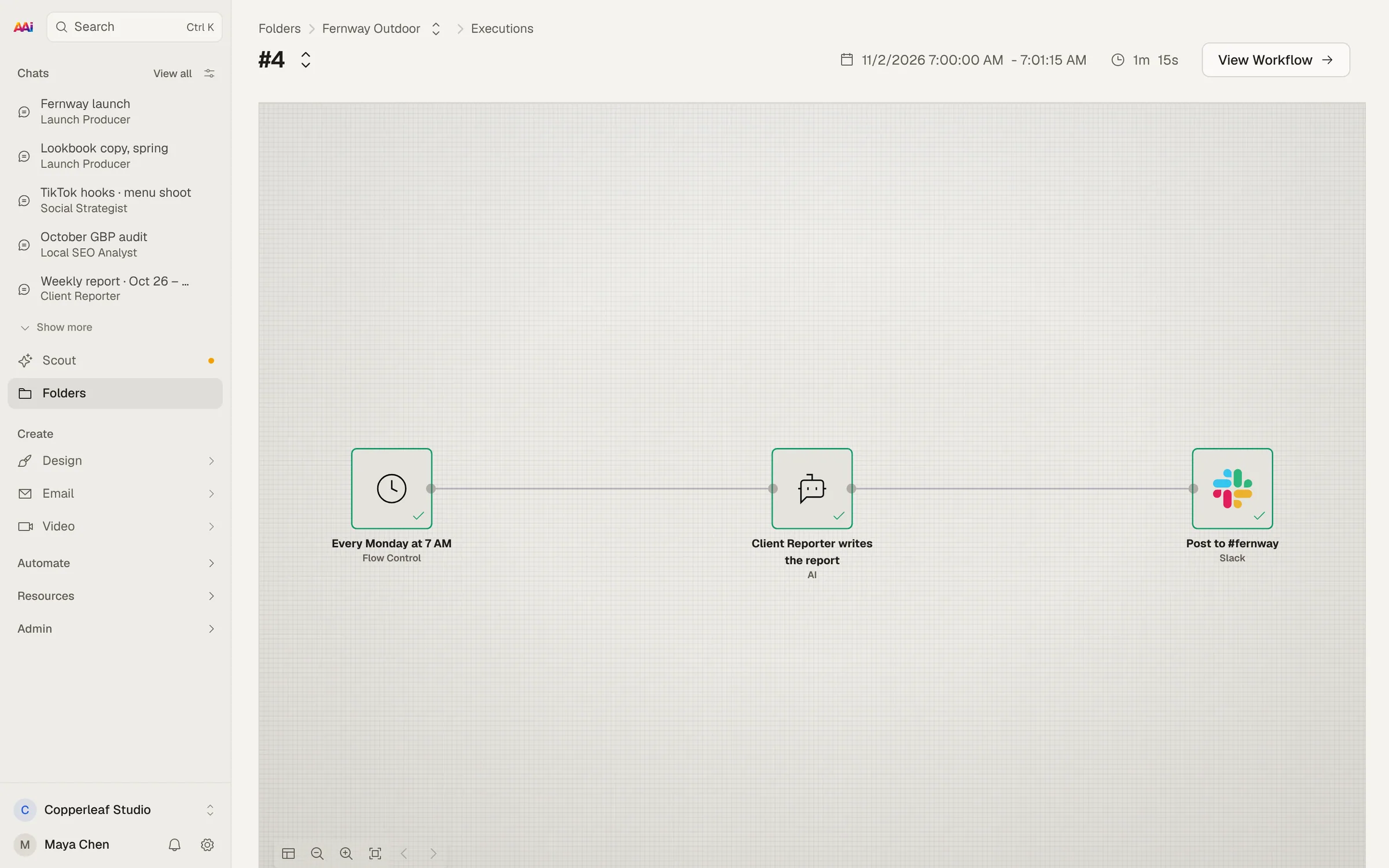
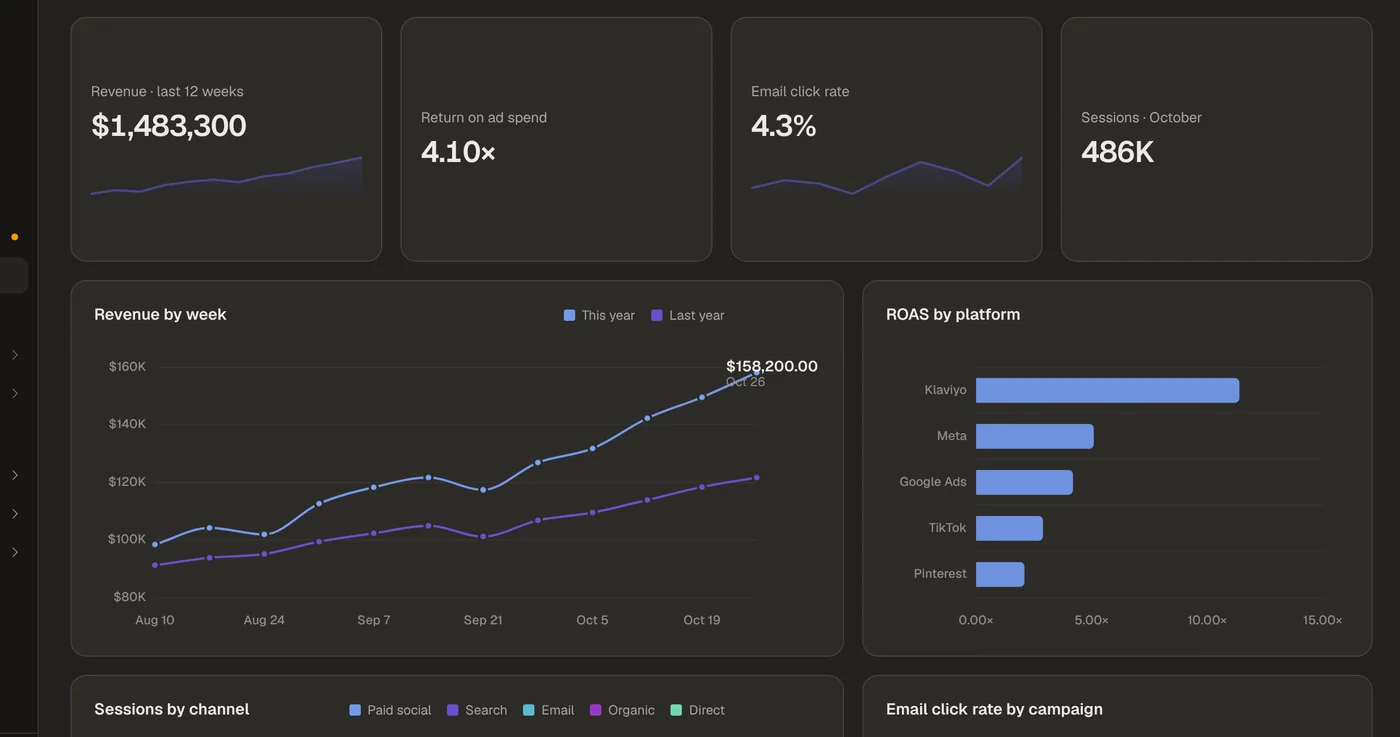
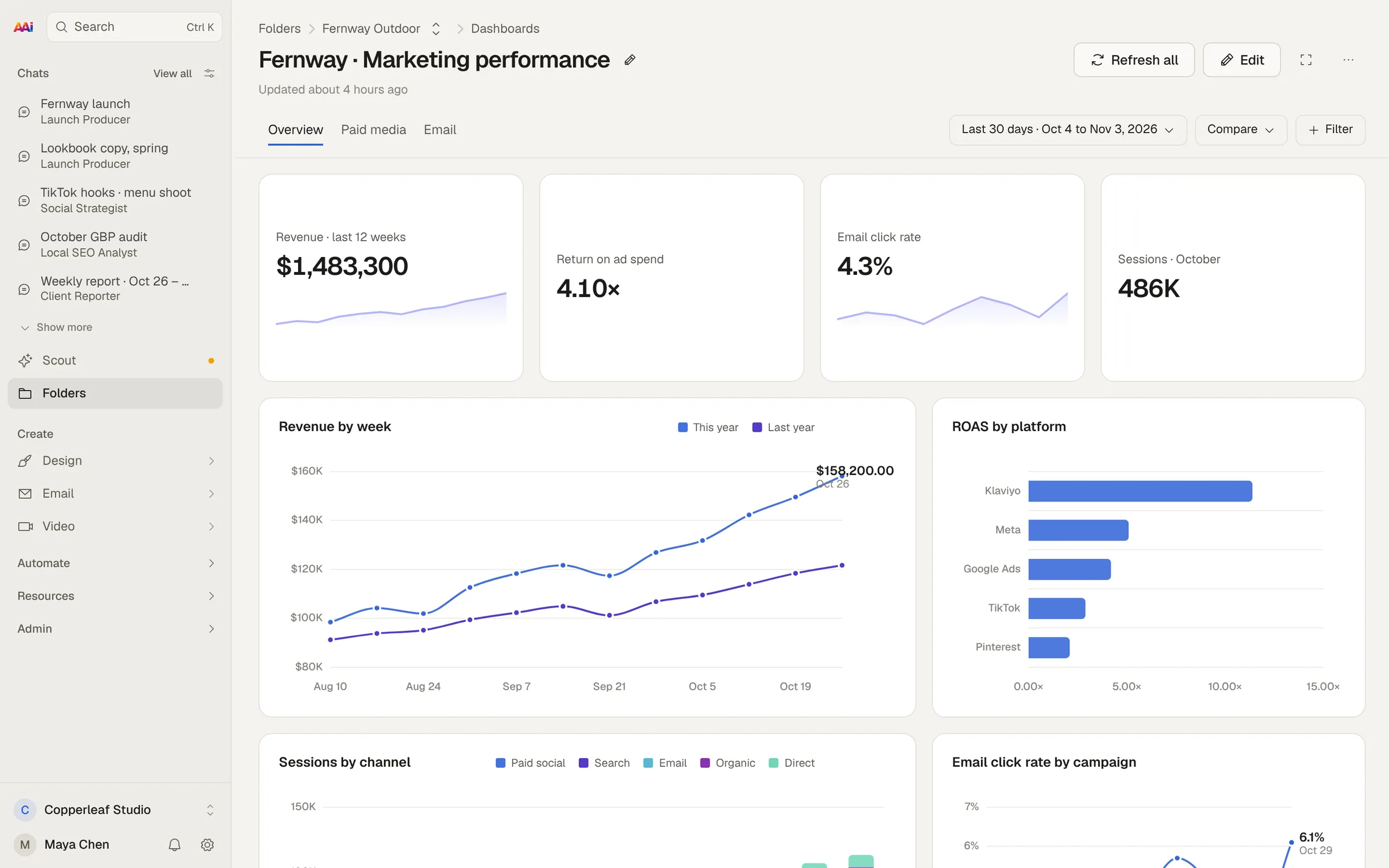
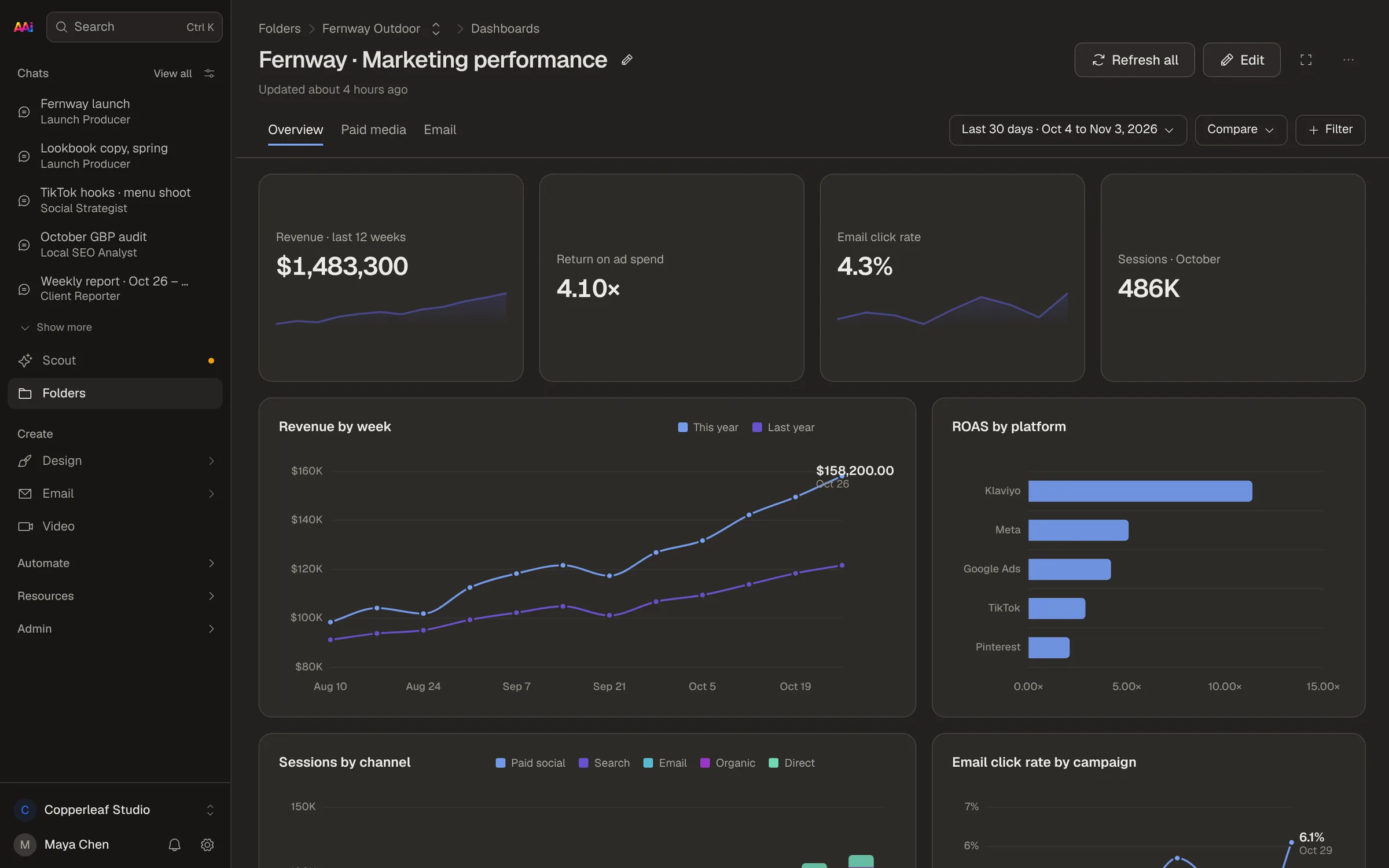
Pulls every ad platform into charts that refresh themselves before Monday.
Dashboards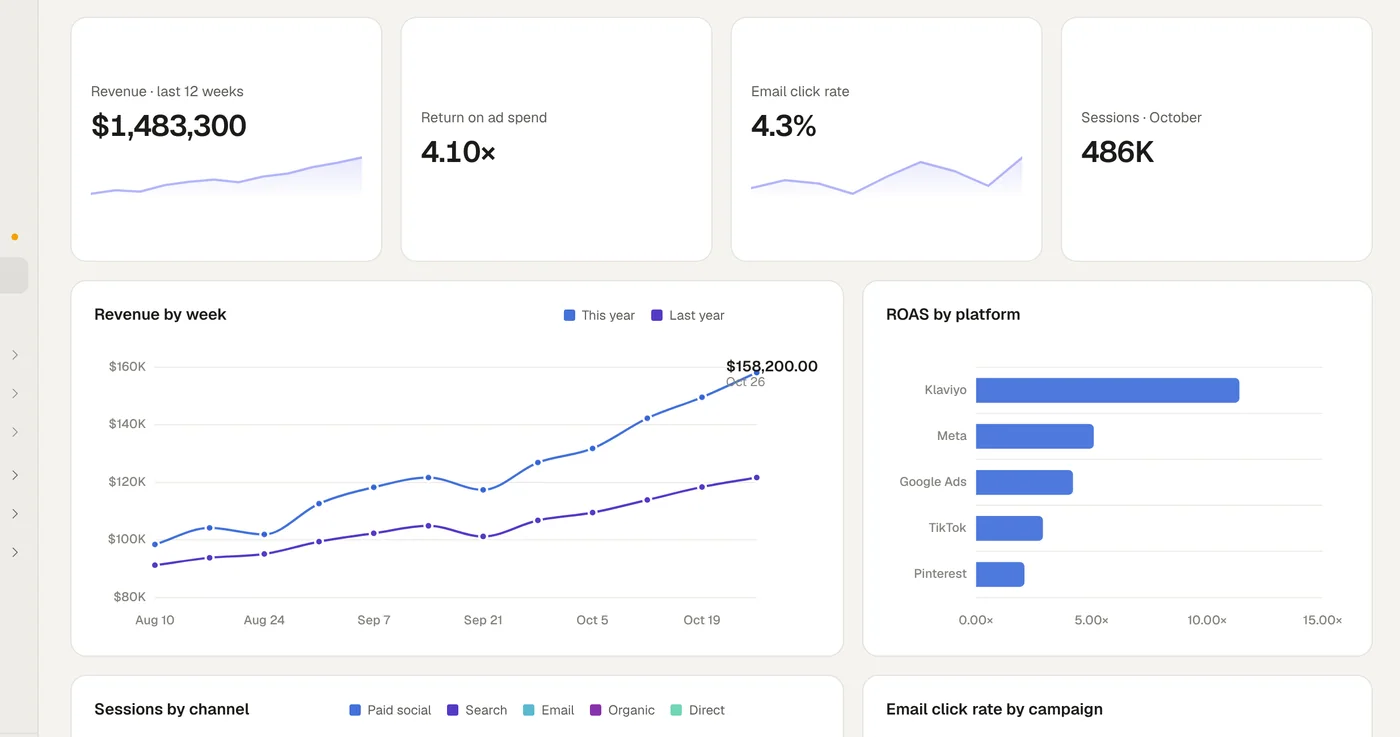
Fernway Outdoor is a made-up client. The screens are the product as it works today.
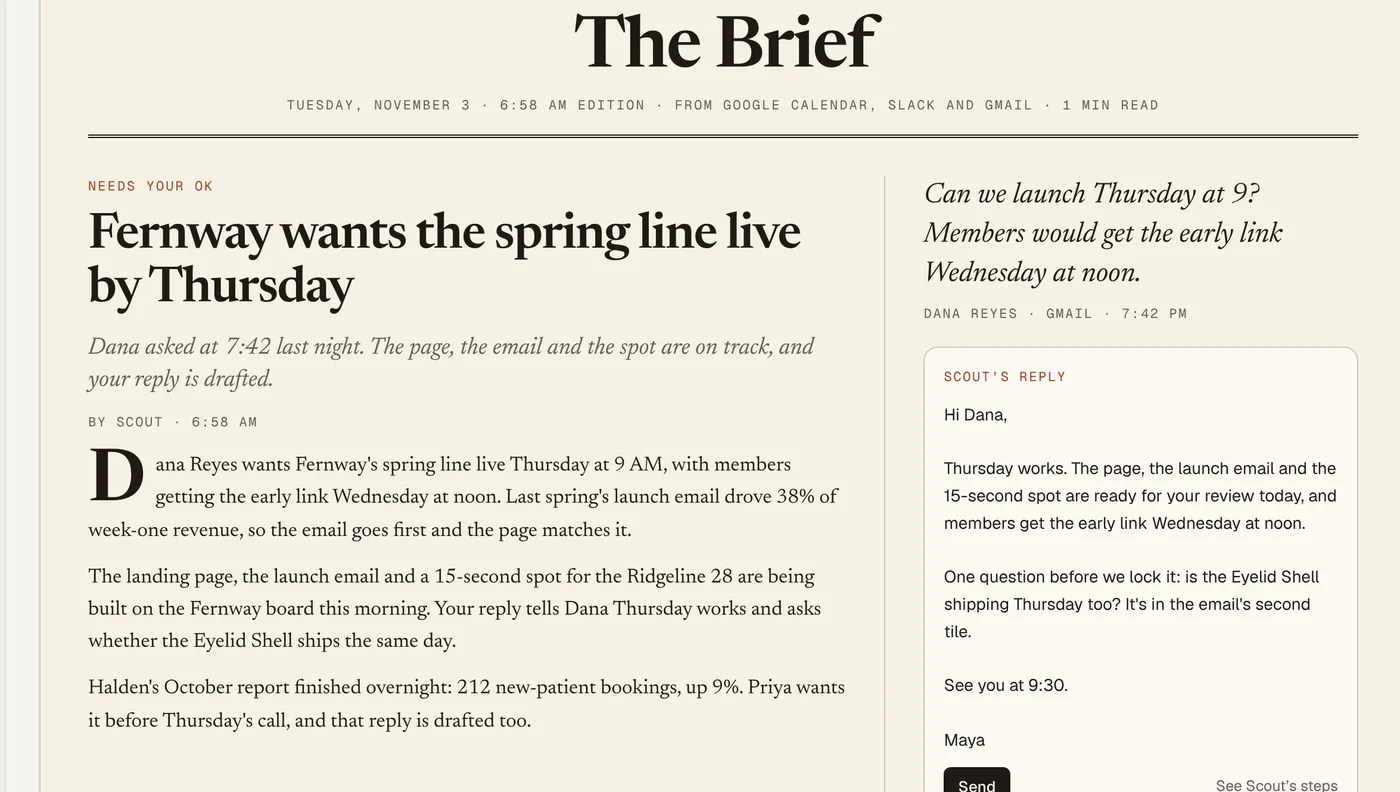
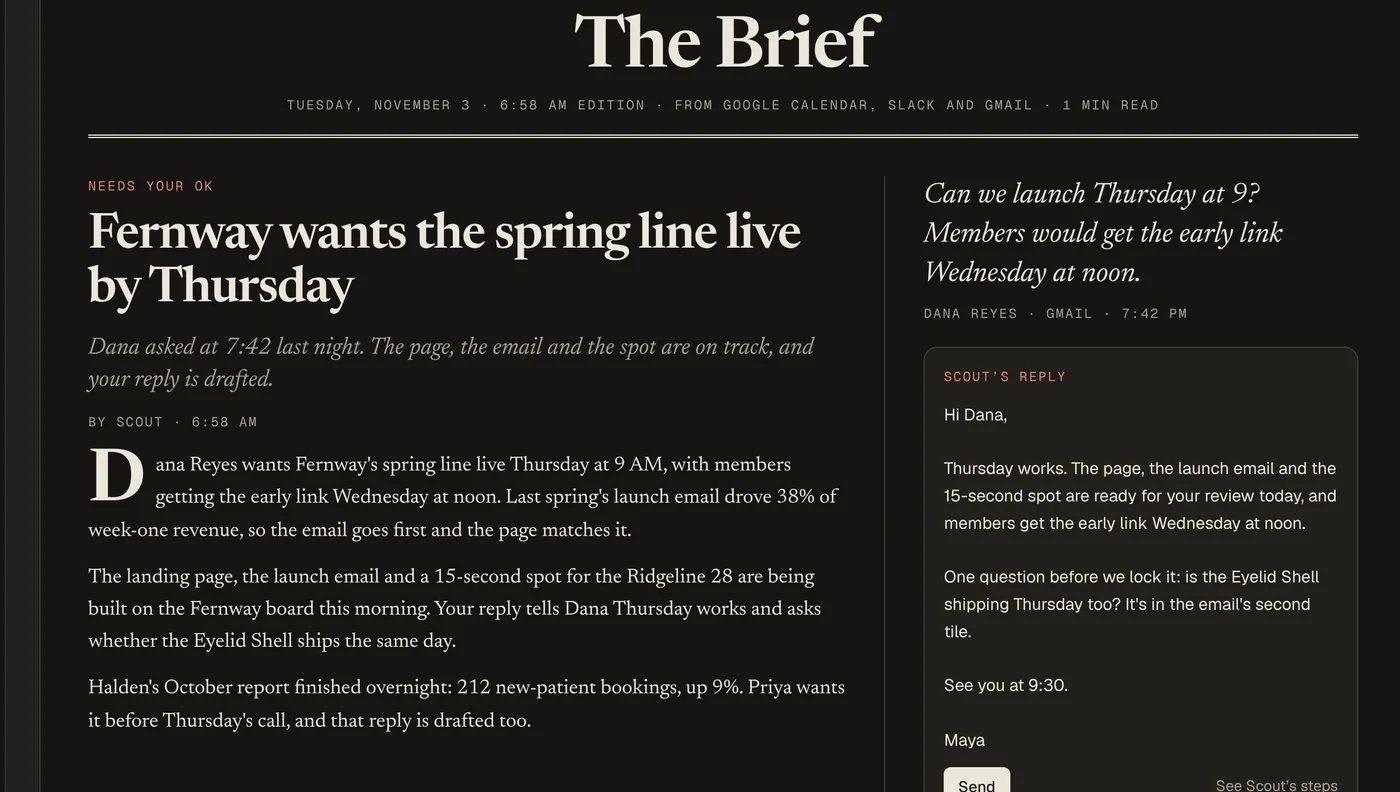
"Can we launch the spring line Thursday at 9?" Dana from Fernway, after hours.
It leads the morning brief, with a reply drafted and a question about the shell. Nothing is sent.
One click sends the reply. Launch Producer starts on the page, the email and the spot from Fernway's brand kit.
On Fernway's design system: their theme, their components, their fonts.
From the email kit, then previewed in Gmail and Outlook.com dark mode before anyone sees it.
From last season's footage and two generated shots, with captions and music that dips under speech.
One preview link. Their comments land on the frames, where the agents pick them up.
The page goes to Webflow, the email to Klaviyo as a draft, and a dashboard tracks Meta, Google Ads and GA4.
Spring line next Thursday?
Hi! Could we launch the spring line next Thursday at 9? Members a day early if possible. We'd need the page, the email and something short for social. Thank you!
Transcript: the cut follows the words
Trail season um starts Thursday. So, uh, lighter packs, a shell that packs into its own pocket, and, like, repairs for life.
 1 2
Every step above runs in Agency AI. The client never sees a draft you didn't approve.
“Pay $148.00” on shop.fernway.co
Checkout for the sample order you asked for. Nothing is paid until you allow it.
Control
Yours
Auto picks the model per message, from the family your workspace chose, or pin one per agent and run it on your own API key. Change models whenever you like: your brand kits, notebooks and agents stay as they are.
Kit, guide, notebook and accounts in one folder
It knows the kit, the documents and the numbers
Answered from the notebook, with the source
Page, email and a 15-second spot, on brand
From the kit and the real product photos
Pages losing clicks, rewritten as CMS drafts
Their header, footer and CSS, kept exactly
Theme and components from a file or a link
Copied into Webflow or saved to WordPress
Every ad account, written up per client
A dashboard and a summary, shared by link
New ads each week, with the angles they use
Scout sorts, drafts and flags what matters
Recap, CRM notes, an email waiting for you
Meeting notes into monday.com with owners
The case studies that match, in a deck
Answers drafted from the ones you wrote before
Who they are, what they run, three questions
In
Connect any MCP server alongside the 90+ built-in apps, and agents use it like any other tool.
Out
Connect Claude, ChatGPT, Cursor or Figma to Agency AI. They see only what you can see, and you can revoke them anytime.
Enterprise
Rolling it out across teams? We set up the workspace, access and connections, build the first agents and workflows with you, and can keep running them with you.
Agency AI comes from VividFront, a working agency. Every feature on this page started as something our own team needed for client work: a launch due Thursday, a report due Monday, an inbox that never stops.
So the product is opinionated in the ways that matter to agencies. It makes the finished thing, not a draft of it. It keeps every client's brand apart. And a person approves anything a client will see.
Tell us where your team wants help first. A person reads every request and replies from growth@agency-ai.app.
Dana Love the headline. Can the button say "Shop the spring line"?
Dana Swap the stamp to the Ridgeline 28. Ship Thursday!